CAPTCHA Solver API Tutorial: How REST APIs Work
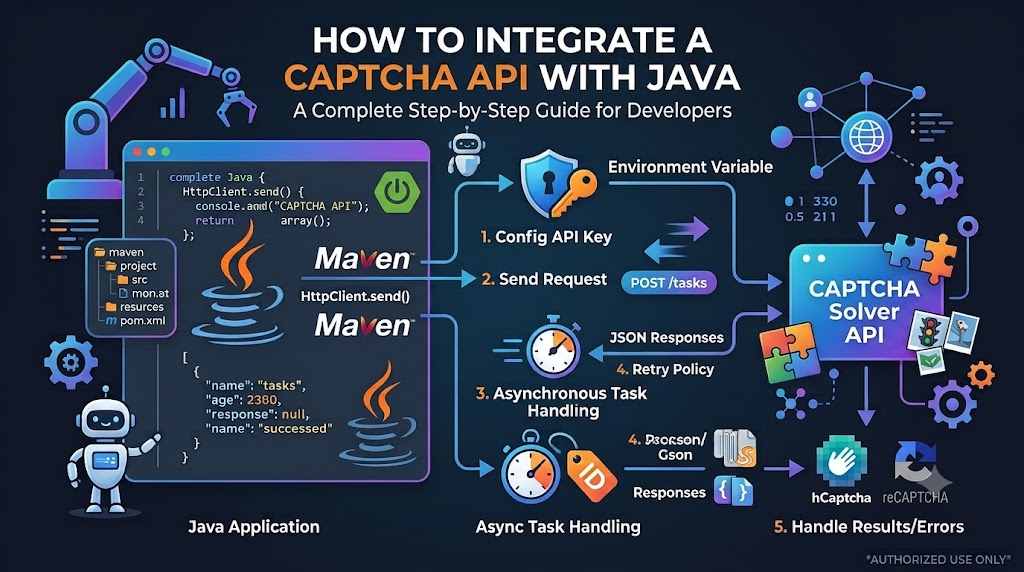
A CAPTCHA Solver API can connect an application to an external service through standard HTTP requests. For developers, understanding how REST APIs work is an important first step toward building reliable integrations, managing asynchronous tasks, and troubleshooting API errors.
Whether you are developing a Node.js application, a Python script, or an authorized testing workflow, the same fundamental concepts apply: send a request, authenticate it, process the response, and handle errors appropriately.
In this CAPTCHA Solver API tutorial, you will learn the basics of REST APIs, how requests and responses are structured, how JSON is used to exchange data, how asynchronous task workflows operate, and which best practices help make an integration more reliable.
Important: The API endpoints, authentication headers, task fields, and JSON responses in this article are illustrative examples. They are not verified AllCaptcha API specifications. Always consult the official documentation for the actual endpoint URLs, required parameters, supported task types, and response formats.
What Is a CAPTCHA Solver API?
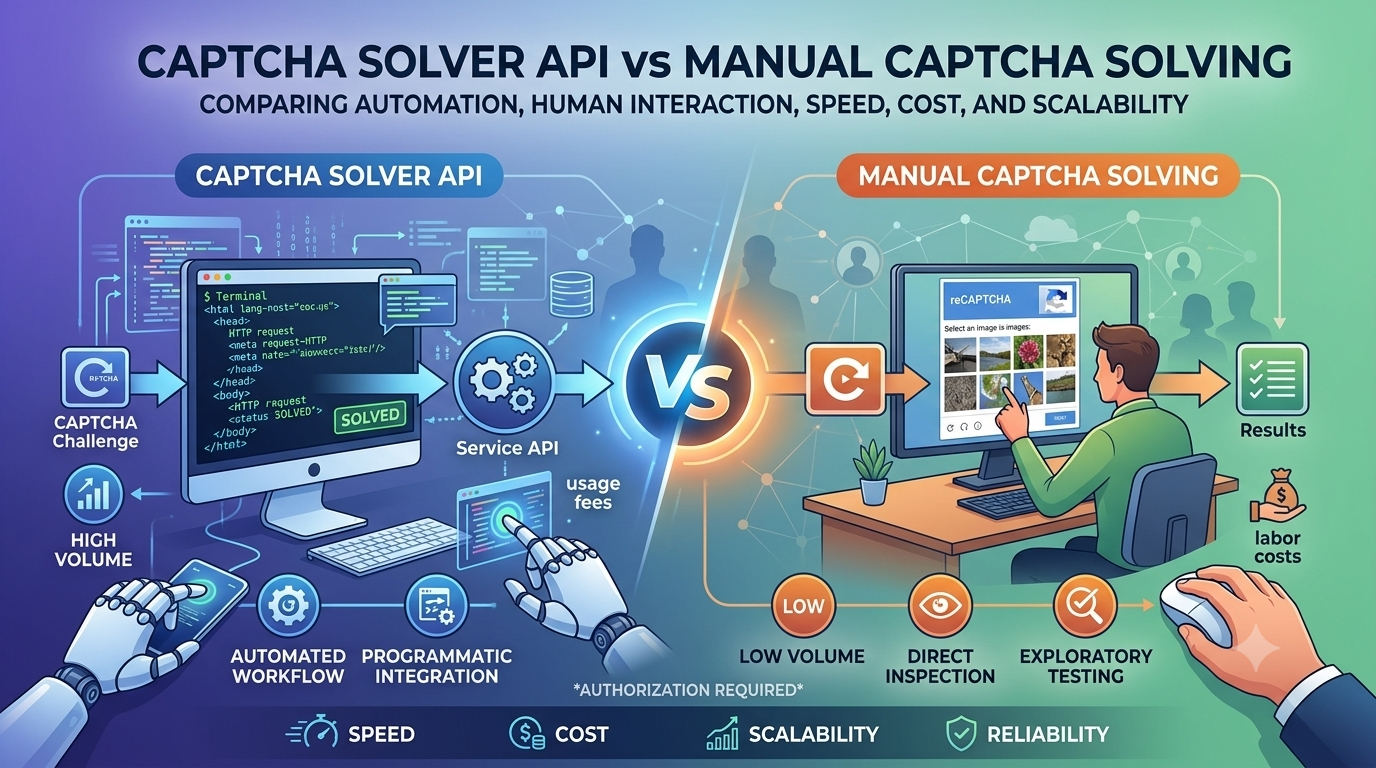
A CAPTCHA Solver API is an interface that allows an application to communicate with a CAPTCHA-related service programmatically. Depending on the provider, an API may accept supported tasks, return processing information, and provide a result when processing is complete.
Instead of manually interacting with a separate service, developers can integrate API requests into their own software.
Common components of an API integration include:
- Endpoint: The URL where a request is sent.
- HTTP method: Defines the type of operation being requested.
- Authentication: Identifies the application or account making the request.
- Request body: Contains the data submitted to the API.
- Response: Contains the server's result or an error.
- Status code: Indicates the general outcome of the HTTP request.
These components are common in REST-style APIs, although individual providers may implement different conventions.
What Is a REST API?
REST stands for Representational State Transfer. It is an architectural style for designing networked applications.
A REST-style API commonly exposes resources through URLs and uses standard HTTP methods to interact with them. Responses are often formatted as JSON, a lightweight data-interchange format.
For example, an API might use an endpoint to create a task and another endpoint to retrieve its status. The actual URL structure depends on the service.
Common HTTP Methods
| Method | Typical purpose | Example use |
|---|---|---|
| GET | Retrieve information | Read a task's status |
| POST | Submit data or create a resource | Create a new task |
| PUT | Replace a resource | Update a resource in APIs that support it |
| PATCH | Partially update a resource | Change selected resource fields |
| DELETE | Remove a resource | Delete a resource when supported |
Not every API supports every method. Always use the method specified in the provider's documentation.
How a REST API Request Works
A typical interaction follows this sequence:
- Your application prepares an HTTP request.
- The request is sent to the API endpoint.
- The server validates the request and authentication.
- The server processes the operation or queues a task.
- The server returns an HTTP status code and, where applicable, a response body.
- Your application interprets the response and decides what to do next.
This process is the foundation of most REST API integrations.
Understanding API Endpoints
An endpoint is a specific URL that accepts requests for an API operation.
For illustration, imagine a hypothetical service with these endpoint patterns:
POST https://api.example.com/v1/tasks
GET  https://api.example.com/v1/tasks/{task_id}
The first endpoint represents task creation, while the second represents retrieving a task's status. These URLs are examples only; they are not confirmed AllCaptcha endpoints.
When reviewing real API documentation, identify:
- The base URL.
- The endpoint path.
- The required HTTP method.
- The authentication requirements.
- The required and optional parameters.
- The expected response format.
- The applicable rate limits.
Using the wrong endpoint or HTTP method can result in failed requests even when the rest of your code is correct.
What Is API Authentication?
Many APIs require authentication to identify the client making a request and determine whether it has permission to use the service.
One common method is an API key. Other services use bearer tokens, signed requests, or alternative authentication mechanisms.
An illustrative request might contain an authorization header:
POST /v1/tasks HTTP/1.1
Host: api.example.com
Content-Type: application/json
Authorization: Bearer YOUR_API_KEY
The authentication format above is only an example. Your provider may require a different header or credential format.
How to Protect Your API Key
Follow these security practices:
- Store secrets in environment variables or a managed secrets service.
- Never commit real API keys to a public repository.
- Avoid placing private credentials in browser-side JavaScript.
- Rotate credentials if they are accidentally exposed.
- Use separate credentials for development and production when supported.
- Avoid printing secrets in application logs.
An API key should be treated as a sensitive credential, not as an ordinary configuration value.
Understanding JSON Request Bodies
JSON stands for JavaScript Object Notation. It is widely used to exchange structured data between applications and APIs.
A JSON object contains key-value pairs and can represent strings, numbers, booleans, arrays, nested objects, and null values.
For example:
{
  "operation": "example",
  "environment": "testing",
  "metadata": {
    "requestId": "demo-001"
  }
}
This example illustrates JSON syntax only. It is not a valid task payload for any particular CAPTCHA API unless the provider explicitly documents these fields.
Required and Optional Parameters
API documentation usually defines which parameters are required and which are optional.
Before sending a request, check:
- Whether each required field is present.
- Whether values use the correct data type.
- Whether strings follow the expected format.
- Whether nested objects are structured correctly.
- Whether optional fields are supported by the selected operation.
A server may reject a request if a required field is missing or a value has an unexpected type.
Sending a REST API Request
You can make an HTTP request with tools such as curl, Node.js fetch(), Python HTTP libraries, or an API testing application.
The following curl example demonstrates the general request structure:
curl -X POST "https://api.example.com/replace-with-documented-endpoint" \
  -H "Content-Type: application/json" \
  -H "Authorization: Bearer YOUR_API_KEY" \
  -d '{
    "example": "replace-with-documented-parameter"
  }'
Replace the example URL, authentication format, and request body with the values required by your provider. Do not send this placeholder request to a production service expecting it to work as written.
Reading the Response
A successful HTTP response does not always mean that the underlying task has finished.
For example, an asynchronous API might return a response resembling this:
{
  "taskId": "demo-task-123",
  "status": "processing"
}
This is a hypothetical response. The actual property names and status values must come from the provider's documentation.
Your application should check both the HTTP status code and the application-level information in the response body.
Synchronous vs. Asynchronous APIs
One of the most important concepts in API integration is the difference between synchronous and asynchronous processing.
Synchronous Processing
In a synchronous workflow, the client sends a request and receives the final result in the same interaction, assuming the operation completes successfully within the request's lifetime.
The general flow is:
- Send the request.
- Wait for the server to process it.
- Receive the result.
- Continue application execution.
This approach can be convenient for short operations, but it may not be suitable for long-running tasks.
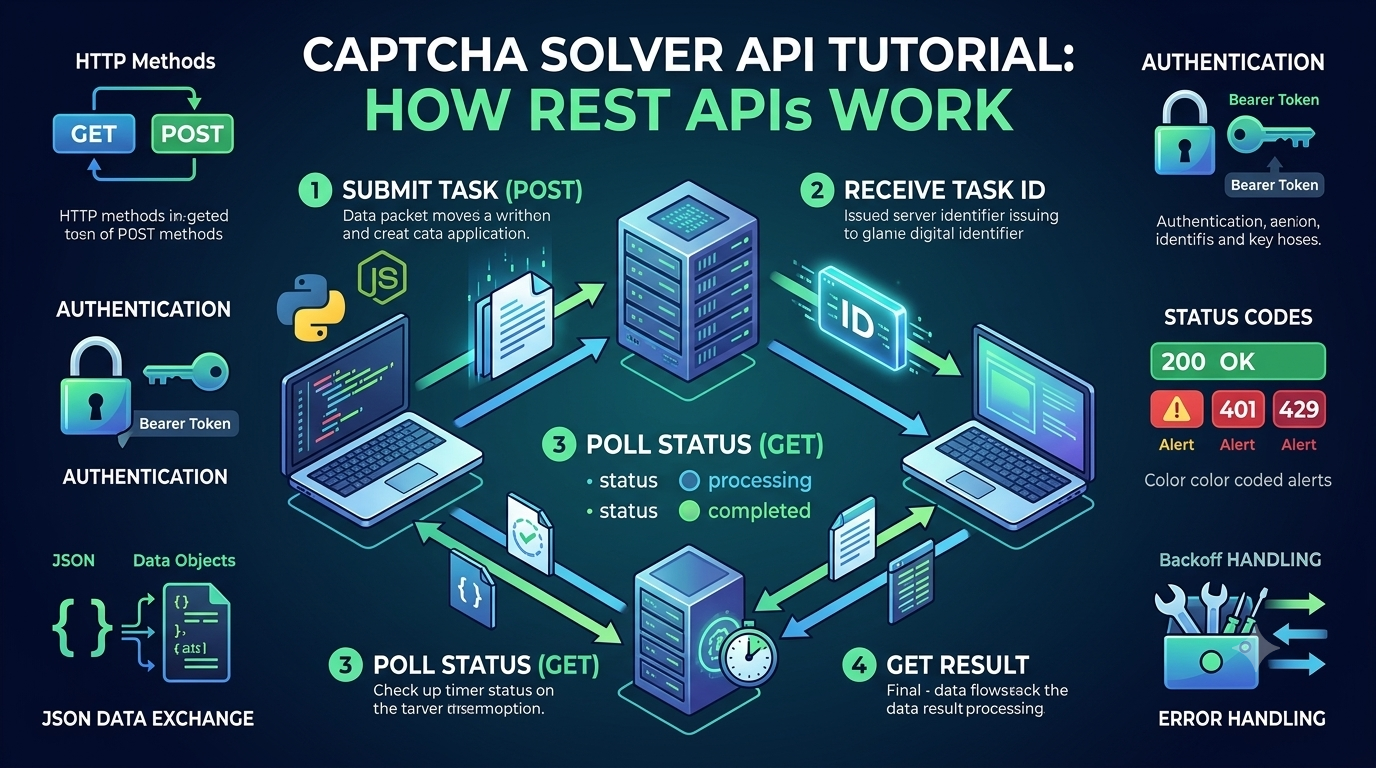
Asynchronous Processing
In an asynchronous workflow, the server accepts a task and processes it separately. The client may receive a task identifier before the final result is available.
The workflow often looks like this:
<box border radius="lg" padding={4} gap={3}> <box background="surface-secondary" radius="md" padding={3} align="center"> **1. Submit a task**<text size="sm" color="secondary">The client sends a documented API request.</text>
<text size="sm" color="secondary">The API may return a task ID or status.</text>
<text size="sm" color="secondary">Poll at the documented interval or use a supported callback.</text>
<text size="sm" color="secondary">Handle the completed result or an error.</text>
Not all APIs use this pattern. Some return results immediately or offer webhooks and other notification mechanisms.
What Is a Task ID?
A task ID is a unique reference associated with a submitted task. If the API supports task-based processing, the client can use this identifier to request the task's status or retrieve its result.
A task ID is not necessarily an authentication credential. Nevertheless, applications should avoid exposing internal identifiers unnecessarily and should follow the provider's security guidance.
What Is API Polling?
Polling means sending repeated requests to check whether an operation has completed.
For example, an application may submit a task and then query a documented status endpoint after a short delay.
A good polling strategy should:
- Follow the provider's recommended polling interval.
- Stop when a final state is reached.
- Stop when a configured deadline is exceeded.
- Handle network errors and rate limits.
- Avoid creating duplicate tasks just because a status request failed.
- Use webhooks instead when the API supports them and they suit the application.
Excessive polling can increase latency, consume quota, and trigger rate limits.
Example of a Bounded Polling Strategy
The following JavaScript example demonstrates polling logic using a fictional status-checking function. The function itself must be implemented using your provider's documented API.
const sleep = (ms) =>
  new Promise((resolve) => setTimeout(resolve, ms));

async function waitForTask(getTaskStatus, taskId) {
  const maxAttempts = 10;
  const intervalMs = 2000;

  for (let attempt = 0; attempt < maxAttempts; attempt++) {
    const task = await getTaskStatus(taskId);

    if (task.status === "completed") {
      return task;
    }

    if (task.status === "failed") {
      throw new Error("Task processing failed");
    }

    await sleep(intervalMs);
  }

  throw new Error("Task did not finish within the polling limit");
}
The values completed and failed are illustrative status names. Replace them with the actual final states defined by your API. The example also uses a fixed interval for simplicity; production implementations should follow documented polling limits and may need bounded backoff and cancellation support.
Understanding HTTP Status Codes
HTTP status codes help your application identify the general outcome of a request.
| Status code | General meaning | What to check |
|---|---|---|
| 200 OK | Request succeeded | Inspect the response body for the actual operation result |
| 201 Created | A resource was created | Save any returned identifier |
| 202 Accepted | Request accepted for processing | Check whether further status requests are required |
| 400 Bad Request | Request was invalid | Review the payload and required fields |
| 401 Unauthorized | Authentication is missing or invalid | Check credentials and authentication format |
| 403 Forbidden | Request is not permitted | Review permissions and account restrictions |
| 404 Not Found | Resource or endpoint was not found | Check the URL and resource identifier |
| 429 Too Many Requests | Rate limit was exceeded | Reduce request frequency and follow retry guidance |
| 500 Internal Server Error | Server encountered an error | Retry cautiously when appropriate |
These meanings describe common HTTP conventions. The exact response and recovery procedure depends on the API provider.
Remember: HTTP 200 does not guarantee that an asynchronous task has completed successfully. Always interpret the documented response body.
Handling API Errors Correctly
A reliable API client should account for both transport-level failures and application-level errors.
Validate Requests Before Sending Them
Check required fields, data types, and input formats before calling the API. Local validation can catch mistakes earlier and reduce unnecessary network requests.
Use Appropriate Timeouts
An API request should not wait indefinitely. Configure timeouts based on the operation and the provider's guidance.
Retry Carefully
Retries can help recover from temporary network failures or transient server errors, but retrying every error is not a good strategy.
For example:
- Do not repeatedly retry invalid credentials without correcting them.
- Do not resend a task-creation request blindly if the first request may have succeeded.
- Respect
Retry-Afterheaders when present. - Use bounded exponential backoff with jitter for appropriate transient failures.
- Set a maximum retry count or deadline.
Log Useful Diagnostics
Record information such as the request timestamp, duration, HTTP status, and a provider-issued request ID when available.
Avoid recording API keys, sensitive payloads, or private response data in plain-text logs.
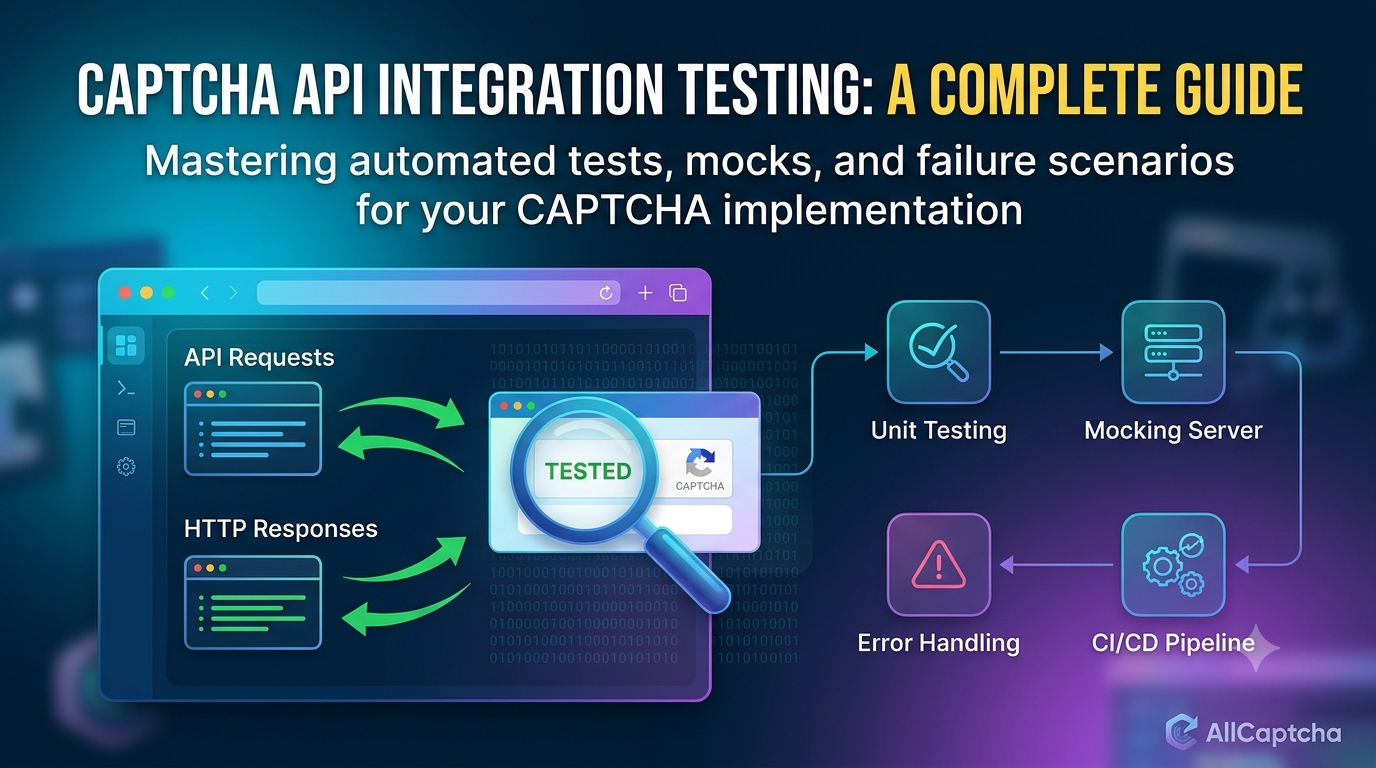
How to Test a CAPTCHA API Integration
Before connecting an API to a larger application, verify its behavior in a controlled environment.
A practical checklist includes:
- Confirm that your API credentials are configured correctly.
- Check the endpoint and HTTP method against the official documentation.
- Test valid and invalid request formats.
- Verify the expected response structure.
- Simulate timeouts and transient network failures.
- Test rate-limit handling.
- Confirm that asynchronous tasks reach a properly handled final state.
- Check that logs do not expose credentials.
- Use provider-supported test keys, mocks, or staging environments where available.
When testing applications protected by CAPTCHA, use systems you own or have explicit permission to test. Prefer official test modes and mocks for automated tests rather than circumventing security controls on third-party services.
Best Practices for Developers
To build a maintainable API integration, follow these recommendations:
- Read the official documentation first. Confirm endpoints, authentication, required fields, response structures, and supported operations.
- Keep secrets out of source code. Use environment variables or a managed secrets service.
- Separate API logic from business logic. A dedicated client module makes code easier to test and maintain.
- Handle errors explicitly. Distinguish HTTP failures, malformed responses, and application-level errors.
- Control concurrency. Limit the number of requests or tasks running simultaneously.
- Respect rate limits. Avoid excessive polling and follow the provider's retry guidance.
- Monitor performance. Track latency, error rates, and API usage.
- Use safe testing environments. Validate integrations before deploying them to production.
These practices apply broadly to REST API development, including services that use asynchronous task processing.
Frequently Asked Questions
What is a CAPTCHA Solver API tutorial for beginners?
A beginner's tutorial explains how an application communicates with an API, including endpoints, HTTP methods, authentication, JSON requests, responses, and error handling. It should also explain any provider-specific task workflow.
Do all CAPTCHA APIs use REST?
No. REST-style HTTP APIs are common, but providers may expose other interfaces or use different API conventions. Check the service documentation to confirm the supported integration method.
Why does an API return a task ID instead of a result?
Some services process tasks asynchronously. They return a reference that allows the client to check progress or retrieve the result later. Other APIs may return results immediately.
What is the difference between polling and webhooks?
Polling requires the client to request status updates periodically. A webhook allows a service to notify a configured endpoint when an event occurs, if the provider supports that feature.
Is JSON required for every REST API?
No. JSON is common, but REST-style APIs can use other representations. Follow the documented content type and request format for your chosen service.
How can I fix an HTTP 429 error?
Reduce request frequency, limit concurrency, and follow the provider's rate-limit instructions. If a Retry-After header is provided, respect it. Avoid rapid retries that create additional load.
Can I use a REST API with Python, Node.js, or PHP?
Yes. All three languages can send HTTP requests and process JSON. The exact implementation differs, but the underlying concepts—authentication, request formatting, response handling, and error management—are similar.
Are the API examples in this article ready to use with AllCaptcha?
The examples are generic demonstrations of REST API concepts. Before using them with AllCaptcha, verify the current official documentation for the correct endpoint URLs, authentication scheme, parameters, and response fields.
Conclusion
Understanding REST APIs makes it easier to integrate external services into modern applications. By learning how endpoints, HTTP methods, authentication, JSON, task IDs, polling, and error handling work, developers can build API clients that are more secure and reliable.
Start with a small integration, verify every request against the provider's official documentation, and test error scenarios before deploying your code. Use appropriate timeouts, respect rate limits, protect API credentials, and keep automated testing within authorized environments.
For more technical resources, explore AllCaptcha's related guides on Node.js integration, Python API integration, API error codes, and CAPTCHA API rate limits.
SEO Metadata
SEO Title: CAPTCHA Solver API Tutorial: How REST APIs Work
Focus Keyword: captcha solver api tutorial
URL Slug: captcha-solver-api-tutorial
Meta Description: Learn how a CAPTCHA Solver API works, including REST endpoints, authentication, JSON requests, task IDs, polling, HTTP status codes, and error handling.
Secondary Keywords:
- CAPTCHA REST API tutorial
- how CAPTCHA APIs work
- REST API authentication
- API request and response
- JSON API integration
- asynchronous API tasks
- API polling tutorial
- CAPTCHA API error handling
Suggested H1: CAPTCHA Solver API Tutorial: How REST APIs Work
Suggested Internal Links:
- How to Integrate a CAPTCHA Solver API with Node.js
- How to Integrate a CAPTCHA Solver API with Python
- How to Integrate a CAPTCHA Solver API with PHP
- CAPTCHA API Error Codes: Common Errors and How to Fix Them
- CAPTCHA API Rate Limits: Best Practices for Developers
Suggested Image Alt Text: Diagram explaining a REST API workflow with an HTTP request, authentication, JSON response, task ID, and status polling.
Recommended Schema: Article. Add FAQPage structured data only if it is appropriate for your site's implementation and matches the FAQ content visibly published on the page.