CAPTCHA Solver API vs Manual CAPTCHA Solving: Key Differences
CAPTCHAs are commonly used to distinguish human visitors from automated traffic. For developers and businesses working with authorized testing, web automation, or application integration, handling CAPTCHA challenges can introduce additional time, complexity, and operational costs.
Two common approaches are using a CAPTCHA Solver API and handling CAPTCHA challenges manually. Each method has different strengths, limitations, and use cases. The right choice depends on the application's requirements, the volume of work, the available budget, and the security policies of the system being tested.
In this guide, we compare CAPTCHA Solver APIs and manual CAPTCHA solving across speed, cost, scalability, integration effort, reliability, and maintenance. We also explain how to evaluate both approaches and choose the right solution for legitimate workflows.
Important: CAPTCHA protections are security controls. Use APIs and manual testing only on systems you own or have explicit authorization to test. For automated tests of your own application, official CAPTCHA test keys, mock responses, or staging environments are often preferable to solving live challenges.
What Is a CAPTCHA Solver API?
A CAPTCHA Solver API is a service interface that allows an application to submit supported CAPTCHA-related tasks programmatically.
Instead of requiring a developer to handle each operation manually, the application communicates with the service through HTTP requests or another documented interface.
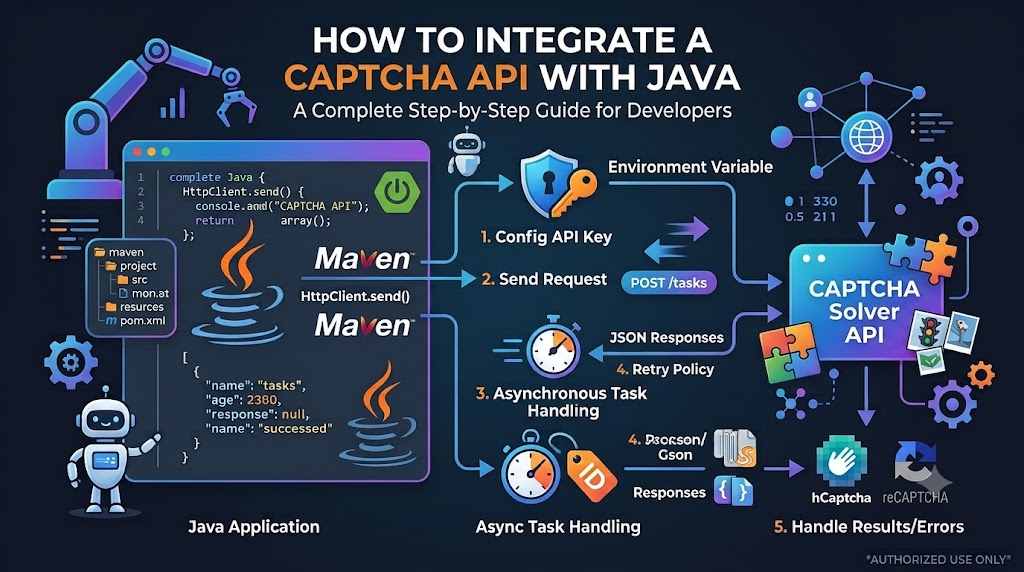
Depending on the provider, the workflow may involve:
- Submitting a supported task.
- Receiving a task identifier or an immediate response.
- Checking task status if processing is asynchronous.
- Retrieving a result.
- Handling errors, timeouts, or usage limits.
The exact workflow varies by provider. Supported CAPTCHA types, authentication requirements, response formats, and service limits must be verified in the official documentation.
Common Use Cases
A CAPTCHA Solver API may be considered for authorized workflows such as:
- Integrating a supported API into a backend application.
- Evaluating API behavior in a controlled test environment.
- Testing error handling and asynchronous task processing.
- Automating permitted internal workflows.
- Measuring request latency and service reliability.
For testing applications that you own, mock responses and official testing modes may be more predictable than an external solving service.
What Is Manual CAPTCHA Solving?
Manual CAPTCHA solving involves a person reviewing a CAPTCHA challenge and completing the required interaction.
Depending on the challenge, this may involve selecting images, entering displayed characters, completing an interaction, or following another verification step.
The process generally requires direct human participation rather than relying entirely on programmatic API calls.
Common Use Cases
Manual handling may be appropriate when:
- A developer needs to inspect how a challenge behaves.
- A tester is evaluating the user experience.
- An accessibility review requires examining the verification process.
- A human must complete an authorized verification step.
- A small number of tests need direct observation.
Manual solving can provide useful context about the user experience, but it is less suitable for high-volume workflows that require repeated, consistent execution.
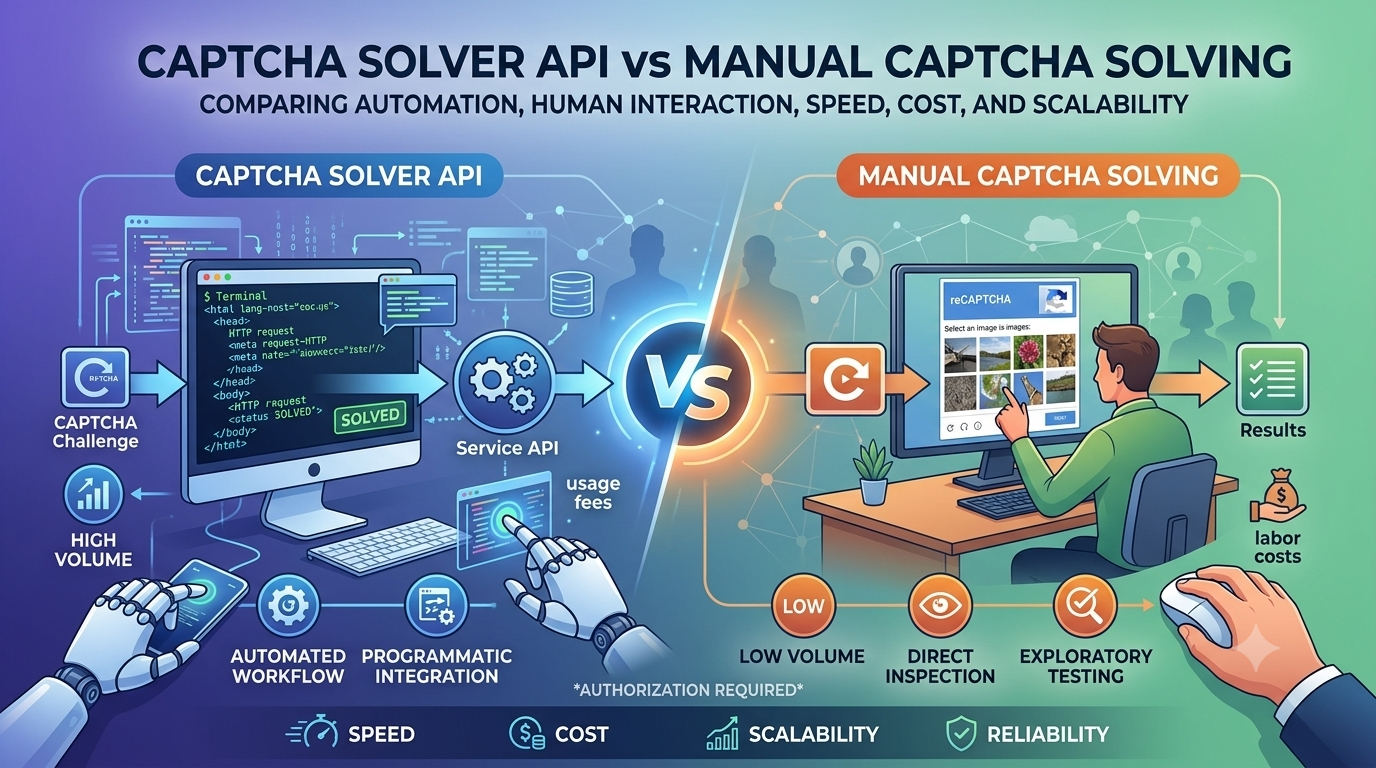
CAPTCHA Solver API vs Manual Solving: Quick Comparison
The following table summarizes the main differences. Actual performance and cost depend on the service, challenge type, labor model, and application requirements.
| Factor | CAPTCHA Solver API | Manual CAPTCHA solving |
|---|---|---|
| Processing method | Programmatic API requests | Human interaction |
| Integration | Requires technical integration | May require little initial coding |
| Speed | Can reduce repetitive manual work | Depends on human availability and task complexity |
| Scalability | Can support larger workloads within service limits | Usually requires additional people or time |
| Cost structure | May involve usage-based or subscription fees | Involves labor or opportunity costs |
| Consistency | Depends on service reliability and task support | Can vary between people and sessions |
| Error handling | Requires application-level logic | Errors may be handled interactively |
| Maintenance | Requires API and integration maintenance | Requires operational coordination |
| Best fit | Repetitive, authorized workflows | Human review and direct testing |
This comparison describes general patterns, not guaranteed results. Neither approach is automatically faster, cheaper, or more accurate in every situation.
1. Speed and Response Time
Speed is often a key factor when evaluating CAPTCHA handling methods.
CAPTCHA Solver API
An API can automate the communication between an application and an external service. This can reduce manual steps, particularly when a workflow involves repeated requests.
However, total processing time depends on several factors:
- Network latency.
- API response time.
- The supported task type.
- Whether the operation is synchronous or asynchronous.
- Polling intervals, if required.
- Service availability and current workload.
A task-based API may return a task identifier before the final result is ready, so the initial response time is not necessarily the total processing time.
Manual CAPTCHA Solving
Manual solving requires a person to review and complete the challenge. The time required varies with challenge complexity, interface design, user familiarity, and accessibility requirements.
It can be practical for occasional tasks, but repeated manual interactions can slow down a larger workflow.
Which is faster? An API may reduce repetitive human effort, but actual end-to-end speed should be measured rather than assumed.
2. Cost and Budget
Cost is more complicated than comparing an API's advertised price with the time required for a person to complete a task.
A fair comparison should account for direct and indirect expenses.
CAPTCHA Solver API Costs
Depending on the provider, costs may include:
- Per-request or per-task charges.
- Subscription fees.
- Minimum usage requirements.
- Infrastructure for integration and monitoring.
- Developer time for implementation.
- Maintenance and troubleshooting.
The total cost depends on the pricing model, supported task types, request volume, and failure rate.
Manual Solving Costs
Manual work may involve:
- Employee time.
- Contractor or service-provider fees.
- Training and coordination.
- Quality checks.
- Delays when human reviewers are unavailable.
- Rework caused by incorrect or incomplete results.
Even when no separate software fee exists, manual work still has an opportunity cost.
How to Compare Costs
Estimate the total cost over the same period and workload.
For an API:
[ C_{\text{API}} = C_{\text{service}} + C_{\text{integration}} + C_{\text{maintenance}} ]
For manual processing:
[ C_{\text{manual}} = C_{\text{labor}} + C_{\text{operations}} + C_{\text{rework}} ]
These are simplified cost models. You can expand them to include infrastructure, monitoring, training, and other expenses relevant to your organization.
For example, a team processing a small number of challenges each week may prefer manual handling during exploratory testing. A team evaluating a large number of authorized test cases may benefit more from automation, mock responses, or a documented API workflow.
Do not select an approach based only on the lowest visible fee. Consider the full cost of operating and maintaining it.
3. Scalability and Workload
Scalability describes how well a method handles changes in workload.
Scaling with an API
An API can be integrated into a worker queue or backend service, allowing an application to process tasks programmatically.
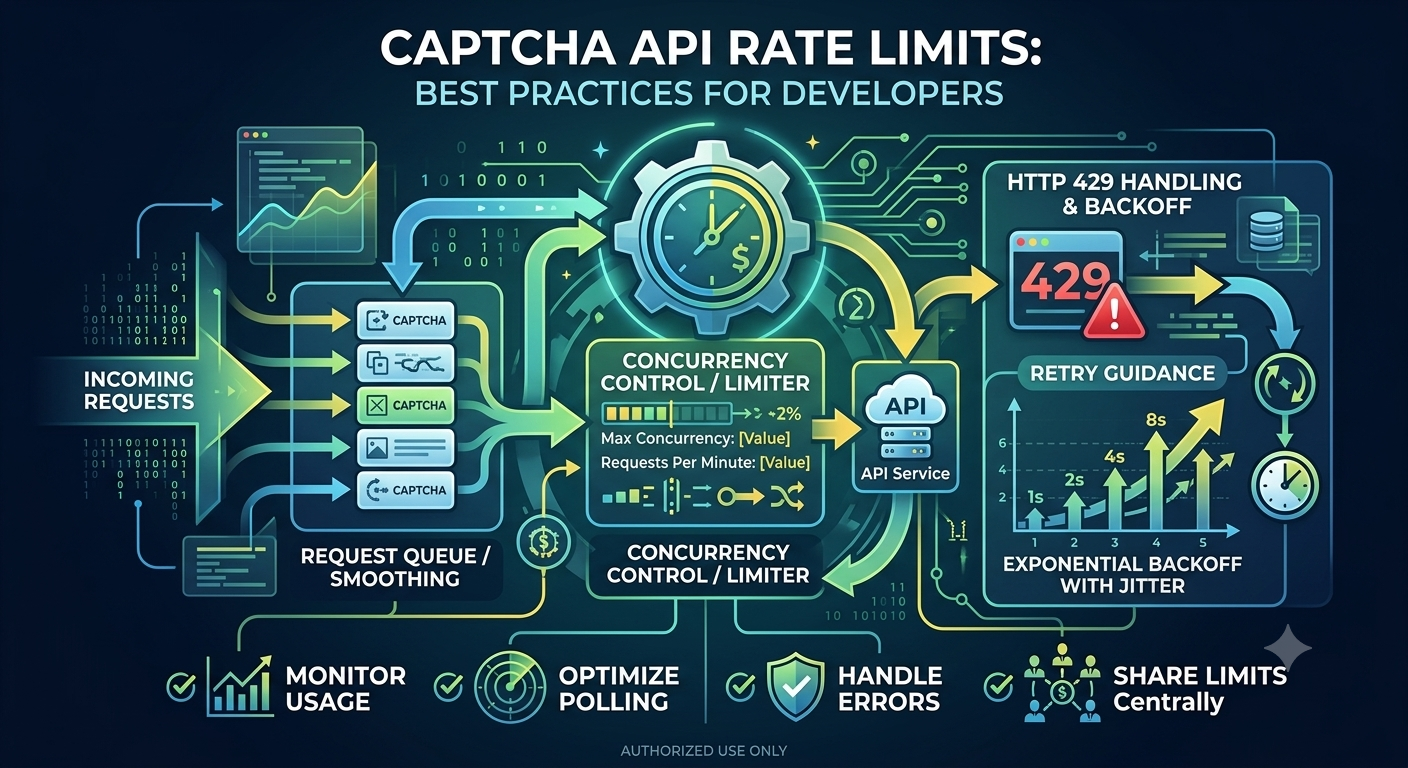
However, scalability is not unlimited. Actual capacity may be constrained by:
- Provider rate limits.
- Concurrent-task limits.
- Account quotas.
- Network and infrastructure capacity.
- Supported task types.
- Service availability.
A robust integration should control concurrency, handle rate limits, and avoid excessive polling.
Scaling with Manual Solving
Manual processing generally requires more people or more available time as workload increases.
This can work well when the volume is small or when a task requires human judgment. At larger volumes, scheduling, coordination, and quality control may become more difficult.
Which scales better? An API may be easier to incorporate into a repeatable programmatic workflow, while manual review remains valuable when human judgment or direct observation is essential.
4. Integration and Development Effort
The initial setup process differs considerably between the two methods.
API Integration Requirements
Developers typically need to:
- Review the provider's documentation.
- Configure authentication securely.
- Implement HTTP requests or the supported client library.
- Parse responses.
- Handle errors and timeouts.
- Implement asynchronous status checking if required.
- Monitor usage and maintain the integration.
The amount of work depends on the API's design and the application's architecture.
For example, a PHP application may use cURL, while a Node.js service can use fetch(). The underlying principles remain similar.
Manual Workflow Requirements
Manual solving may need less initial development, but the workflow still needs operational support. Depending on the environment, this may include user instructions, task assignment, review procedures, and a way to record completion.
Manual testing also offers an opportunity to observe usability problems that may not be apparent in a fully automated workflow.
Key difference: API integration requires technical setup and ongoing maintenance. Manual handling requires human availability and operational coordination.
5. Reliability and Accuracy
Reliability means that a method behaves consistently and produces usable outcomes. Accuracy refers to whether the result is correct for the intended task.
Neither method guarantees success in every situation.
API Reliability
An API's reliability depends on factors such as:
- Whether the provider supports the task type.
- Service availability.
- Network conditions.
- Response time.
- Error handling.
- Task expiration or timeout rules.
- Correct integration and request formatting.
Before choosing a provider, review its documentation, testing options, error behavior, and available reliability information.
Manual Reliability
Human performance can vary depending on the challenge, the interface, fatigue, experience, and accessibility needs.
Manual interaction can also provide contextual judgment, especially when a tester needs to understand the user's experience rather than simply obtain a programmatic response.
How to Evaluate Both Methods
For authorized testing, establish measurable criteria:
- Completion rate.
- Average and percentile processing time.
- Frequency of errors.
- Recovery time after a failure.
- Total cost per successful operation.
- Operational effort.
- Impact on the test workflow.
Use the same test conditions and representative workloads when comparing results. Avoid relying on a small number of observations to make broad claims about reliability.
6. Maintenance and Long-Term Operations
The initial setup cost is only part of the decision. Both approaches require ongoing attention.
Maintaining an API Integration
A developer may need to update the integration when:
- The provider changes its API.
- Authentication requirements change.
- New response formats are introduced.
- Rate limits or account quotas change.
- Dependencies require security updates.
- Application requirements evolve.
Use version control, automated tests, structured logs, and clear error handling to reduce maintenance risks.
Maintaining a Manual Workflow
Manual workflows may require:
- Updating instructions.
- Training new reviewers.
- Reviewing quality and consistency.
- Managing availability and scheduling.
- Improving accessibility.
- Documenting recurring problems.
Manual handling avoids some software integration tasks but introduces human and operational dependencies.
7. Security, Privacy, and Compliance
Security should be part of the evaluation from the beginning.
Before integrating a third-party service, consider what data the application sends, how credentials are protected, and whether the proposed workflow complies with applicable policies.
For API-based workflows:
- Keep private API credentials on the server.
- Use HTTPS.
- Minimize sensitive information in requests.
- Avoid logging secrets or unnecessary personal data.
- Review the provider's data-handling terms.
- Apply access controls and usage monitoring.
For manual workflows:
- Restrict access to sensitive systems.
- Provide clear instructions for handling private information.
- Use approved devices and accounts.
- Maintain appropriate audit records.
Most importantly, only test CAPTCHA-protected systems when you own them or have explicit authorization. An available API or manual method does not grant permission to bypass a third party's security controls.
8. When Should You Choose an API?
An API may be worth evaluating when your organization needs a programmatic interface for a supported, authorized workflow.
Consider an API when:
- You need to integrate with an existing backend.
- Repetitive operations are consuming significant staff time.
- You need structured responses for downstream processing.
- You have developers who can maintain the integration.
- The provider's capabilities and limits fit your requirements.
- The total cost is justified by the operational benefits.
Before selecting a service, verify its official documentation, supported operations, authentication requirements, pricing, usage limits, and support arrangements.
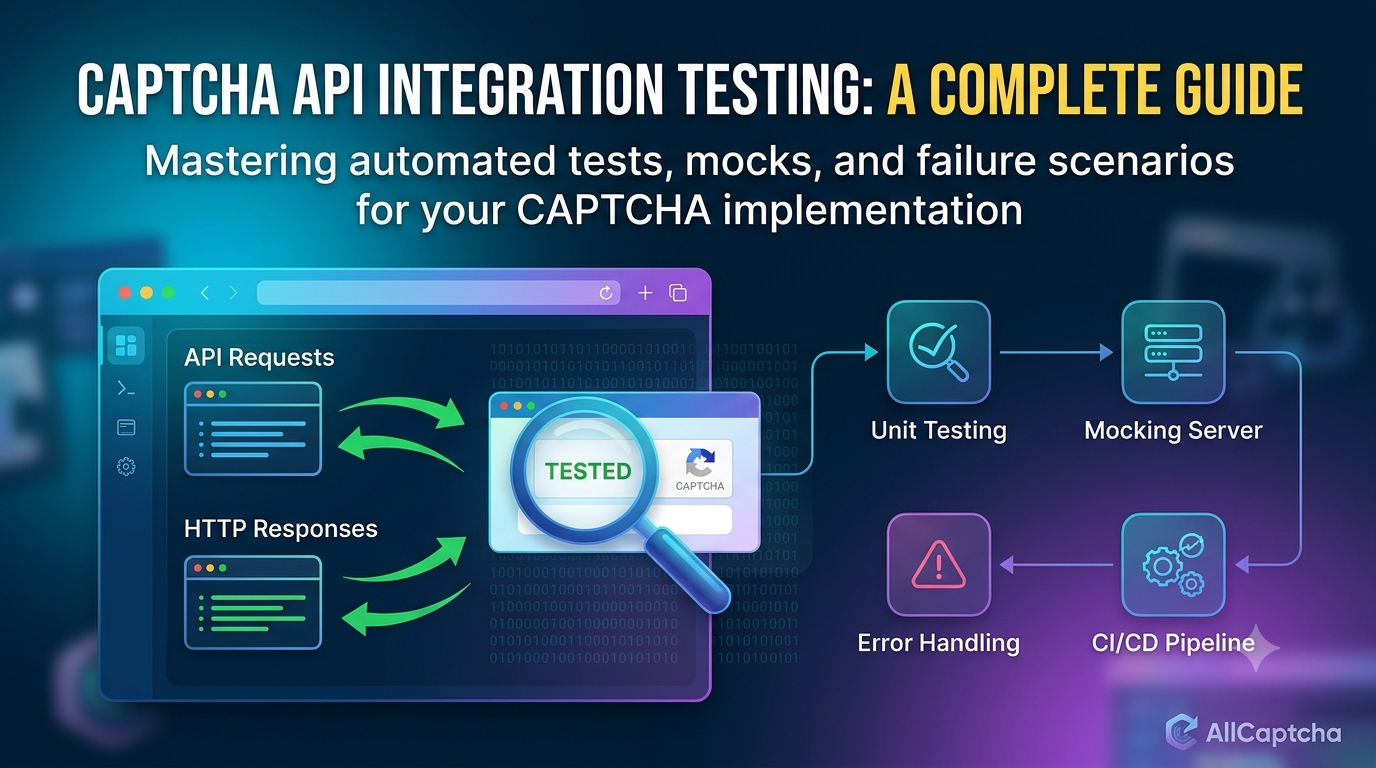
For automated tests of your own application, first consider whether a mock service or official CAPTCHA test mode can achieve the same objective more simply.
9. When Is Manual Solving the Better Choice?
Manual handling may be more appropriate when:
- The task occurs only occasionally.
- A tester needs to inspect the challenge directly.
- Human judgment is necessary.
- You are evaluating usability or accessibility.
- The API does not support the required task.
- Implementing an API client would add unnecessary complexity.
Manual interaction is also useful during early development because it can help developers understand the challenge and the intended user journey before deciding what should be automated.
10. A Third Option: Official Test Modes and Mock Responses
The choice is not always limited to a CAPTCHA Solver API versus manual solving.
For developers testing their own applications, official test modes and mock responses can often provide a more controlled alternative.
Official CAPTCHA Test Modes
Some CAPTCHA providers offer dedicated test keys or testing configurations. These allow developers to verify application behavior without relying on real user challenges.
Always follow the provider's documented restrictions and ensure that test configurations cannot accidentally remain enabled in production.
Mock Responses
A mock simulates the response that an application expects from a CAPTCHA-related component.
For example, a test suite can simulate:
- A successful verification.
- A failed verification.
- A timeout.
- An invalid or missing token.
- A temporary network error.
This approach helps test application logic consistently without requiring a live challenge for every test run.
Choosing Between the Three Options
| Requirement | Option to evaluate |
|---|---|
| Inspect the real user experience | Manual testing |
| Integrate a supported external API | API-based integration |
| Test application logic repeatedly | Mocks or official test modes |
| Validate error handling | Mocks and controlled failure scenarios |
| Test production security behavior | An authorized security-testing plan |
For many development teams, a combination of these methods provides better coverage than relying on only one approach.
How to Make the Right Decision
Use a structured evaluation instead of assuming one method is universally better.
Step 1: Define the Objective
Determine whether you need to test a user interface, integrate an external service, or validate application logic.
Step 2: Estimate the Workload
Measure how frequently the task occurs and how many operations need to be handled.
Step 3: Calculate Total Cost
Include software fees, labor, integration, monitoring, maintenance, and rework.
Step 4: Verify Technical Compatibility
Check whether the API supports your intended operation and whether it fits your programming language and architecture.
Step 5: Evaluate Reliability
Test representative scenarios and measure completion rate, latency, and failure recovery.
Step 6: Review Security and Permissions
Confirm that the workflow is authorized and meets your organization's security and privacy requirements.
Step 7: Run a Controlled Trial
Compare the available options using consistent test conditions before making a long-term commitment.
This process makes the decision easier to explain, measure, and revisit as requirements change.
Frequently Asked Questions
What is the main difference between a CAPTCHA Solver API and manual solving?
A CAPTCHA Solver API allows an application to communicate with a supported service programmatically. Manual solving requires a person to interact with the challenge. APIs can reduce repetitive manual effort, while manual handling is useful for direct inspection and human judgment.
Is a CAPTCHA Solver API always faster than manual solving?
No. Performance depends on the service, network latency, challenge type, task processing method, and human workload. Measure end-to-end processing time in a controlled environment before deciding.
Which option is cheaper?
It depends on workload and operating costs. An API may involve usage fees, integration work, and maintenance. Manual processing involves labor and operational overhead. Compare total cost for the same workload rather than comparing a single fee.
Which option is better for large workloads?
An API may fit a programmatic workflow more naturally, but provider limits and infrastructure capacity still apply. Queues, concurrency control, and monitoring may be necessary. For application testing, mocks may be more efficient when live CAPTCHA processing is unnecessary.
Does an API guarantee a successful result?
No. API requests can fail because of network problems, unsupported tasks, invalid parameters, service outages, or other limitations. Review the provider's documentation and implement proper error handling.
Can I use a CAPTCHA Solver API with PHP or Node.js?
Yes, if the provider offers a compatible HTTP API or client library. PHP applications commonly use cURL, while modern Node.js applications can use fetch(). Follow the provider's actual authentication, request, and response specifications.
Are mock responses suitable for CAPTCHA testing?
Mocks are useful for testing application logic, including success and failure paths. They do not replace every form of end-to-end testing. Use official test modes and authorized test environments when you need to validate integration behavior.
What should I check before choosing an API provider?
Review supported operations, official documentation, authentication, pricing, rate limits, error handling, data policies, reliability information, and technical support. Test the integration before relying on it in a production workflow.
Conclusion
CAPTCHA Solver APIs and manual CAPTCHA solving serve different purposes. An API can support programmatic integration and reduce repetitive manual work, while manual interaction is valuable for user-experience reviews, exploratory testing, and tasks requiring human judgment.
The right choice depends on workload, total cost, technical requirements, reliability, maintenance, and authorization. For application testing, also consider official test modes and mock responses, which can provide a more predictable way to validate software behavior.
Evaluate the available options using measurable criteria, verify the provider's documentation, and prioritize secure, authorized workflows.
For more developer resources, explore AllCaptcha's guides on API integration with Node.js, PHP, and Python, as well as REST API fundamentals, API error codes, and rate-limit management.
SEO Metadata
SEO Title: CAPTCHA Solver API vs Manual CAPTCHA Solving: Key Differences
Focus Keyword: captcha solver api vs manual solving
URL Slug: captcha-solver-api-vs-manual-solving
Meta Description: Compare CAPTCHA Solver APIs vs manual solving by speed, cost, scalability, reliability, integration effort, and the best use cases for developers.
Secondary Keywords:
- CAPTCHA API vs manual solving
- automated CAPTCHA handling
- manual CAPTCHA solving
- CAPTCHA API comparison
- CAPTCHA automation for developers
- CAPTCHA testing methods
- CAPTCHA API integration
- CAPTCHA testing best practices
Suggested H1: CAPTCHA Solver API vs Manual CAPTCHA Solving: Key Differences
Suggested Internal Links:
- Best CAPTCHA Solver APIs for Automation in 2026
- How Much Does a CAPTCHA Solver API Cost? 2026 Pricing Guide
- CAPTCHA Solver API Tutorial: How REST APIs Work
- How to Integrate a CAPTCHA Solver API with Node.js
- CAPTCHA API Rate Limits: Best Practices for Developers
- CAPTCHA API Error Codes: Common Errors and How to Fix Them
Suggested Image Alt Text: Comparison of CAPTCHA Solver API and manual CAPTCHA solving showing automation, human interaction, cost, scalability, and reliability.
Recommended Schema: Article. FAQPage structured data should be used only when appropriate for the website and when the structured questions and answers match the visible FAQ content.