How to Debug CAPTCHA API Integration Issues: A Step-by-Step Guide
Integrating a CAPTCHA API into an application can introduce several technical challenges. Requests may fail because of incorrect authentication, invalid parameters, network timeouts, unexpected response formats, or mistakes in how the application processes API results.
When these problems occur, developers need a systematic way to identify the root cause rather than repeatedly changing code and hoping the integration starts working.
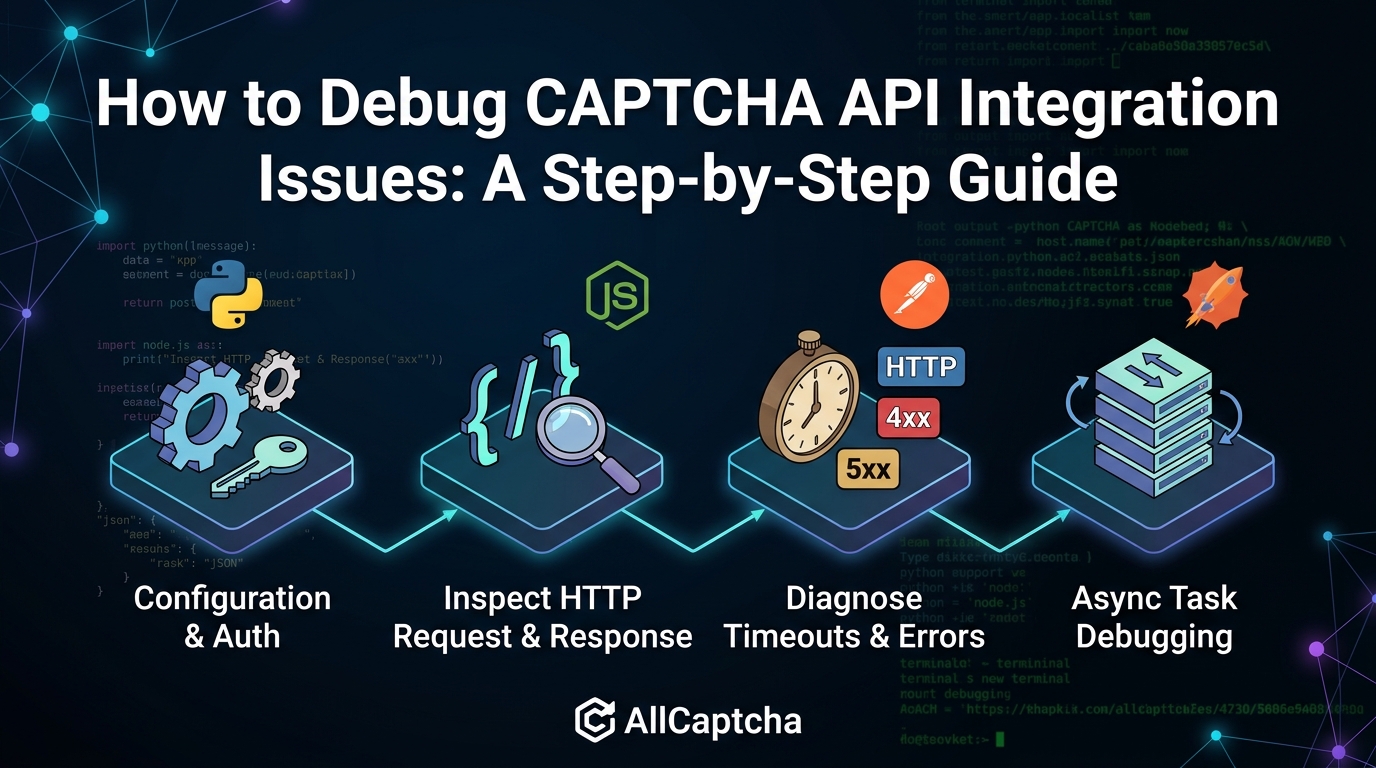
This guide explains how to debug CAPTCHA API integration issues step by step. You will learn how to inspect HTTP requests, validate configuration, analyze API responses, troubleshoot timeouts, handle errors, and test fixes safely.
The examples use generic HTTP requests and illustrative response structures. Always consult your API provider's official documentation for the actual endpoint URLs, authentication requirements, request fields, response formats, and supported operations.
Table of Contents
- Why CAPTCHA API Integrations Fail
- Step 1: Confirm the API Configuration
- Step 2: Inspect the HTTP Request
- Step 3: Validate the API Response
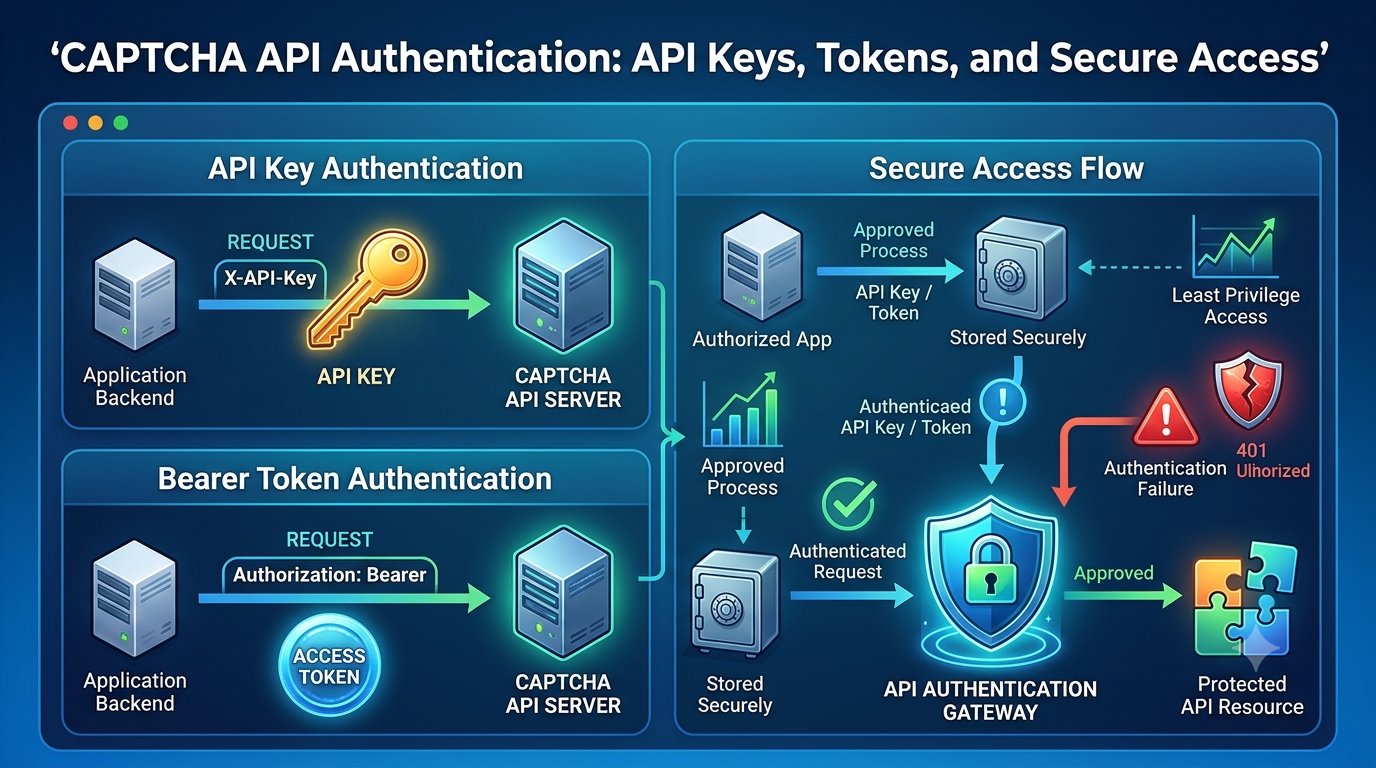
- Step 4: Troubleshoot Authentication Errors
- Step 5: Diagnose Timeouts and Network Failures
- Step 6: Handle HTTP Status Codes Correctly
- Step 7: Debug Asynchronous API Workflows
- Step 8: Use Logging to Find the Root Cause
- Step 9: Reproduce and Test the Problem
- Common CAPTCHA API Integration Problems
- CAPTCHA API Debugging Best Practices
- Frequently Asked Questions
1. Why CAPTCHA API Integrations Fail
A CAPTCHA API integration typically involves communication between your application and an external service. Depending on the API, the workflow may include submitting a request, receiving a result, checking task status, and processing the response.
A problem at any stage can interrupt the workflow.
Common causes include:
- Incorrect API credentials.
- Missing or incorrectly formatted request parameters.
- Invalid URLs or unsupported input values.
- Incorrect HTTP methods or content types.
- Network connectivity problems.
- Request timeouts.
- Rate-limit restrictions.
- Unexpected JSON responses.
- Incorrect asynchronous task handling.
- Application logic that assumes every request succeeds.
The first debugging principle is simple: identify which stage is failing before changing the implementation.
For example, an authentication failure requires a different solution from a request that succeeds but returns data your application cannot parse.
2. Step 1: Confirm the API Configuration
Before inspecting complex application logic, verify that the integration uses the correct configuration.
Check your API credentials
Confirm that the API key or other required credentials are configured correctly.
Common mistakes include:
- Using a test credential in the wrong environment.
- Accidentally adding spaces or newline characters.
- Reading an outdated environment variable.
- Loading the wrong configuration file.
- Using a credential that has been revoked or restricted.
Never publish API keys in source code, public repositories, screenshots, or support requests.
A simple Node.js check can help confirm that a required environment variable exists:
const apiKey = process.env.CAPTCHA_API_KEY;

if (!apiKey) {
  throw new Error("CAPTCHA_API_KEY is not configured");
}

console.log("API credential configuration is present.");
This verifies that a value exists, not that the credential is valid. Authentication must still be confirmed through the provider's documented process.
Check environment-specific settings
Compare the configuration used in development, staging, and production.
| Setting | What to Verify |
|---|---|
| API endpoint | Matches the provider's current documentation |
| Authentication | Uses the required credential format |
| HTTP method | Matches the documented operation |
| Content type | Matches the expected request format |
| Timeout | Appropriate for the operation |
| Environment variables | Loaded from the intended environment |
| Network settings | Proxy, firewall, and DNS configuration are correct |
Do not assume that two environments use identical credentials or endpoint URLs.
3. Step 2: Inspect the HTTP Request
An API request can fail even when the credentials are correct. Incorrect headers, missing fields, malformed JSON, or an unsupported HTTP method may cause the service to reject it.
Verify the HTTP method
Common HTTP methods include:
GETfor retrieving information.POSTfor submitting data.PUTorPATCHfor updating resources.DELETEfor removing resources.
The correct method depends on the API operation. Follow the provider's documentation rather than guessing.
Check request headers
For a JSON-based API, the request may require a header such as:
Content-Type: application/json
Authentication headers and other required fields depend on the specific API.
A common debugging mistake is to send JSON data while declaring the wrong content type. Another is to send a JSON string in a format the receiving endpoint does not expect.
Validate the request body
Suppose your application constructs a JSON request. Before sending it, confirm that:
- The JSON is syntactically valid.
- Required fields are present.
- Field names match the documentation exactly.
- Values use the expected data types.
- Optional fields are omitted or supplied according to the API requirements.
The following is an illustrative request body, not a real AllCaptcha request schema:
{
  "operation": "example_operation",
  "input": "example_value"
}
Do not copy this structure into a production integration unless it matches the actual provider documentation.
Test the request independently
If the integration fails inside a large application, reproduce the request using a minimal script or an API client such as Postman.
Keep the test limited to an endpoint and operation you are authorized to use. Use synthetic data or approved test inputs whenever possible.
If the independent request succeeds but the application request fails, investigate how the application builds headers, loads credentials, serializes data, or handles responses.
4. Step 3: Validate the API Response
A request that reaches the server does not automatically mean the operation succeeded.
Your application should inspect the HTTP status code, response body, and any documented application-level status fields.
Do not assume every response is JSON
An API may return JSON, plain text, HTML, or an empty response in certain circumstances. For example, an intermediary proxy may return an HTML error page instead of the expected JSON response.
Attempting to parse every response as JSON can hide the original problem behind a parsing exception.
The following Node.js example shows a safer inspection pattern:
async function inspectResponse(response) {
  const responseText = await response.text();

  console.log("HTTP status:", response.status);
  console.log("Content-Type:",
    response.headers.get("content-type"));

  if (!response.ok) {
    throw new Error(
      `HTTP request failed with status ${response.status}`
    );
  }

  try {
    return JSON.parse(responseText);
  } catch {
    throw new Error(
      "The response was not valid JSON"
    );
  }
}
This is a generic diagnostic example. In production, use a structured logging system and avoid logging sensitive response contents.
Validate the response structure
Even valid JSON may not contain the fields your application expects.
For example, code like this may fail if the response does not contain a result field:
const result = data.result.value;
A safer approach validates the expected structure before accessing nested properties:
if (
  !data ||
  typeof data !== "object" ||
  !Object.prototype.hasOwnProperty.call(data, "result")
) {
  throw new Error("Unexpected API response structure");
}
Adjust the validation to match the documented response schema. Do not assume that the example field names are supported by AllCaptcha.
5. Step 4: Troubleshoot Authentication Errors
Authentication errors commonly occur when credentials are missing, invalid, expired, or sent in the wrong format.
A practical authentication checklist
- Confirm that the credential is present in the runtime environment.
- Check the authentication format in the official API documentation.
- Verify that the application sends the credential in the correct header or request field.
- Confirm that the correct environment and account are being used.
- Check whether the credential has been revoked or restricted.
- Review recent changes to secret-management settings.
Understand common HTTP responses
| Status Code | Possible Meaning | Recommended Action |
|---|---|---|
| 400 Bad Request | Malformed request or invalid fields | Validate the payload and required parameters |
| 401 Unauthorized | Missing or invalid authentication | Check credentials and authentication format |
| 403 Forbidden | Access is not permitted | Verify permissions and account restrictions |
| 404 Not Found | Endpoint or resource not found | Check the documented URL and resource identifier |
| 429 Too Many Requests | Request limit exceeded | Follow documented rate limits and retry guidance |
| 500 Internal Server Error | Server-side failure | Record diagnostic metadata and investigate further |
These are common HTTP meanings, not guaranteed descriptions of every provider's error responses.
Some APIs use different status codes or return more specific application-level error information.
Avoid blind retries for authentication failures
Repeatedly retrying an invalid credential will rarely fix the underlying problem.
Instead, correct the configuration and retry a controlled test. Do not print the credential to the console as a debugging shortcut.
6. Step 5: Diagnose Timeouts and Network Failures
Timeouts can happen when a request takes longer than the client allows, when a connection cannot be established, or when the network becomes unstable.
For asynchronous APIs, the initial submission may complete quickly while the full operation takes longer.
Identify where the timeout occurs
Determine whether the problem happens during:
- DNS resolution.
- TCP or TLS connection establishment.
- Sending the request.
- Waiting for the HTTP response.
- Processing the response.
- Waiting for an asynchronous operation to complete.
These stages require different diagnostic approaches.
For example, a connection error may indicate a DNS, firewall, proxy, or TLS issue. A read timeout may mean that the connection was established but no response arrived within the configured time.
Configure a finite timeout
In Node.js, fetch() can use an abort signal to enforce a timeout:
async function fetchWithTimeout(url, options = {}) {
  const timeoutMs = 10000;

  return fetch(url, {
    ...options,
    signal: AbortSignal.timeout(timeoutMs)
  });
}
The timeout value is illustrative. Choose a value appropriate for your use case and the provider's documented behavior.
Also consider the overall operation deadline. Setting a timeout on each request without limiting the total workflow can allow multiple retries or polling attempts to run for too long.
Avoid excessive retries
A retry strategy should include:
- A maximum number of attempts.
- A delay between attempts.
- Exponential backoff with jitter where appropriate.
- A total operation deadline.
- Rules that distinguish transient errors from permanent failures.
Respect the provider's documented rate limits and any applicable Retry-After header.
Do not retry every failure indiscriminately. Invalid requests and authentication errors usually require correction rather than repeated submission.
7. Step 6: Handle HTTP Status Codes Correctly
HTTP status codes are useful diagnostic signals, but they are only one part of the response.
A robust client should inspect both the HTTP status and the documented application-level response.
Example error-handling pattern
async function requestJson(url, options = {}) {
  const response = await fetch(url, options);
  const contentType =
    response.headers.get("content-type") || "";

  if (!response.ok) {
    throw new Error(
      `HTTP request failed: ${response.status}`
    );
  }

  if (!contentType.includes("application/json")) {
    throw new Error("Unexpected response content type");
  }

  return response.json();
}
This simple example rejects unsuccessful HTTP responses and unexpected content types.
For a production application, consider adding:
- Structured error categories.
- Safe logging of status codes and request identifiers.
- A documented parser for application-level errors.
- Timeout handling.
- Controlled retries for eligible failures.
- Metrics for error rates and latency.
If the provider returns JSON error details with a non-2xx status, you may need to parse a sanitized version of that body to obtain the documented error category. Avoid assuming that every response follows the same format.
8. Step 7: Debug Asynchronous API Workflows
Some APIs complete an operation within one request. Others use an asynchronous workflow in which the client submits a task and checks its status later.
When debugging an asynchronous integration, separate the submission request from the task lifecycle.
Check each stage
Stage 1: Task submission
Verify that the request is accepted and that the response contains the documented information required to track the operation.
Stage 2: Task identifier handling
If the API returns a task identifier, confirm that the application stores and passes it correctly. Check for empty values, accidental type conversion, or mismatched identifiers.
Stage 3: Status checking
Confirm that the client uses the documented status-check operation and respects its recommended polling interval.
Stage 4: Completion handling
Validate the response schema and distinguish successful completion from a pending state or terminal failure.
Stage 5: Deadline and cleanup
Stop polling when the operation completes, fails permanently, or exceeds the application's deadline.
Common asynchronous workflow problems
| Problem | Possible Cause | What to Check |
|---|---|---|
| Task identifier is missing | Unexpected submission response | Validate the documented response structure |
| Task never appears to finish | Incorrect status handling or delayed processing | Inspect status transitions and timing |
| Too many status requests | Polling too frequently | Follow the provider's polling guidance |
| Wrong result is processed | Identifier mismatch or stale state | Trace the task ID through the workflow |
| Application waits indefinitely | Missing overall deadline | Add a bounded wait and terminal error handling |
These are general troubleshooting patterns. The actual task lifecycle depends on the API being integrated.
9. Step 8: Use Logging to Find the Root Cause
Logs provide a timeline of what happened during a failed request.
Instead of logging entire request and response bodies, record a small set of useful diagnostic fields.
Recommended log fields
- Timestamp.
- Environment.
- Operation name.
- Application version.
- HTTP status code.
- Request duration.
- Retry count.
- Error category.
- Correlation ID.
- Task identifier, if safe and appropriate to retain.
Example:
{
  "timestamp": "2026-10-26T10:30:00Z",
  "environment": "staging",
  "operation": "submit_task",
  "http_status": 429,
  "duration_ms": 310,
  "retry_count": 0,
  "error_category": "rate_limit"
}
This JSON is an illustrative log entry, not an actual AllCaptcha response.
Use correlation IDs
A correlation ID helps connect events from the same operation across application components.
For example, the same ID can appear in logs for request creation, response handling, retry attempts, and final completion.
If the provider supplies a request identifier, record it when appropriate. Do not invent a provider request ID or assume one exists.
Protect sensitive information
Never log API keys, authorization headers, passwords, session cookies, or sensitive tokens.
If you need to inspect a payload, use a sanitized version with synthetic or redacted values. Apply appropriate access controls and retention policies to diagnostic logs.
10. Step 9: Reproduce and Test the Problem
A reliable fix should address the root cause and prevent the same issue from returning.
Create a minimal reproduction
Reduce the failing operation to the smallest possible example.
Remove unrelated application logic while preserving the configuration and request behavior that trigger the issue.
A minimal reproduction helps determine whether the failure comes from the API client, application code, network environment, or external service.
Test the main failure scenarios
A useful test suite should cover:
- A valid response.
- An invalid request.
- Missing or invalid configuration.
- An unsuccessful HTTP response.
- A malformed response body.
- A network failure.
- A timeout.
- A rate-limit response.
- An unexpected application-level error.
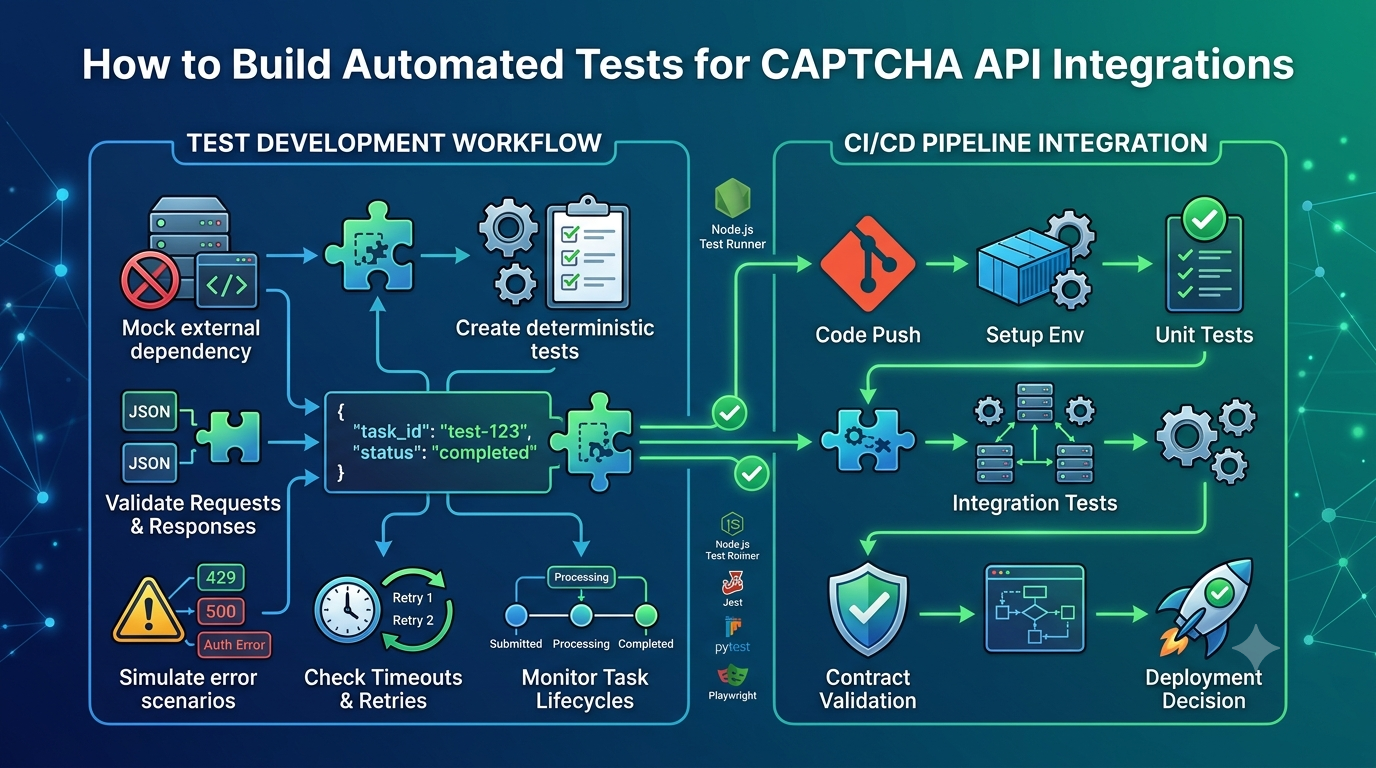
Use mocks for deterministic unit tests and approved staging environments for controlled integration tests.
Do not generate unnecessary traffic against production systems merely to reproduce a problem.
Add regression tests
After fixing the issue, add a test that reproduces the original failure.
For example, if the bug occurred because the application assumed every response was JSON, add a test for an HTML error response.
If the issue involved an incorrect task identifier, add a test that verifies the identifier is validated before a status request is made.
Regression tests reduce the chance that later changes will reintroduce the same defect.
11. Common CAPTCHA API Integration Problems
The following table summarizes common symptoms and practical next steps.
| Symptom | Likely Cause | Recommended Fix |
|---|---|---|
| Authentication rejected | Missing or invalid credentials | Verify secret configuration and documented authentication |
| Request rejected | Invalid fields or unsupported format | Compare the payload with the official schema |
| HTTP 404 | Incorrect URL or resource identifier | Check the current endpoint documentation |
| HTTP 429 | Rate limit exceeded | Reduce request frequency and follow retry guidance |
| HTTP 5xx | Server-side or intermediary problem | Check provider status information and record diagnostics |
| Request times out | Slow response or network issue | Inspect timing, connectivity, and timeout configuration |
| JSON parsing fails | Unexpected or malformed response | Check content type and inspect sanitized response metadata |
| Task remains pending | Incorrect polling or task handling | Verify the documented lifecycle and polling interval |
| Duplicate operations occur | Unsafe retry behavior | Review idempotency support and retry rules |
| Works locally but fails in production | Environment or network differences | Compare configuration, DNS, proxy, and permissions |
A symptom is not proof of a single root cause. Use logs, controlled tests, and official documentation to confirm the diagnosis before changing production behavior.
12. CAPTCHA API Debugging Best Practices
Use the following checklist when troubleshooting a new or existing integration.
Configuration
- Verify the API endpoint and operation.
- Confirm that credentials are loaded correctly.
- Check environment-specific settings.
- Review recent configuration changes.
Requests and responses
- Validate the HTTP method and headers.
- Check required fields and data types.
- Inspect the HTTP status code.
- Validate the response format and documented schema.
- Distinguish transport failures from application-level errors.
Reliability
- Configure finite request timeouts.
- Use controlled retries for eligible errors.
- Respect documented rate limits.
- Bound asynchronous polling with an overall deadline.
- Monitor latency, failures, and retry frequency.
Testing and security
- Reproduce failures in a controlled environment.
- Add regression tests.
- Use mocks for predictable failure scenarios.
- Avoid logging credentials or sensitive tokens.
- Verify fixes against the provider's current documentation.
13. Frequently Asked Questions
Why is my CAPTCHA API request failing?
Common causes include invalid credentials, malformed requests, incorrect endpoint configuration, rate limits, network failures, and application-level errors. Start by checking the HTTP status code, sanitized error details, and request configuration.
How do I debug a CAPTCHA API returning HTTP 400?
Validate the request format, required fields, data types, content type, and documented parameter names. If the provider supplies an error message, use it to narrow the diagnosis without assuming that all APIs use the same error schema.
What should I do if my CAPTCHA API returns HTTP 401 or 403?
For HTTP 401, verify the credential and authentication format. For HTTP 403, check permissions, account restrictions, and access policies. Consult the provider's documentation because exact behavior can vary.
How do I fix CAPTCHA API timeout errors?
Check network connectivity, DNS, proxy and firewall settings, and the configured timeout. Measure request duration, use bounded retries for transient failures, and distinguish the HTTP request timeout from the total duration of an asynchronous task.
Why does my API request succeed but my application still fails?
The HTTP request may succeed while the response contains an application-level error or a different data structure than the client expects. Validate the documented response schema and test how the application handles missing or unexpected fields.
How can I debug an asynchronous CAPTCHA API?
Trace the complete workflow from submission to completion. Verify task identifier handling, status transitions, polling intervals, terminal failure states, and the overall deadline.
Should I retry a failed CAPTCHA API request?
Only when the error is eligible for retry and the operation can be repeated safely. Use a bounded retry policy, respect rate limits, and follow the provider's guidance on idempotency and transient errors.
How can I troubleshoot an AllCaptcha integration?
Start with the current AllCaptcha API documentation and verify the endpoint, authentication format, request fields, and expected response. Record sanitized diagnostic information and contact official support if the issue persists. Include relevant timestamps, status codes, and request identifiers when available, but never share API keys or sensitive tokens.
Conclusion
Debugging CAPTCHA API integration issues becomes much easier when you follow a consistent process instead of making random changes.
Start by verifying configuration, inspecting the HTTP request, and checking the response. Then investigate authentication, timeouts, status codes, and asynchronous task handling as needed.
Structured logging, minimal reproductions, and regression tests help turn one-time fixes into long-term improvements. Combined with sensible timeouts, controlled retries, secure logging, and appropriate monitoring, these practices make API integrations easier to maintain.
Always verify implementation details against the provider's official documentation. Generic examples can explain debugging principles, but endpoint URLs, authentication methods, parameters, and response schemas must match the actual API.
SEO Metadata
SEO Title: How to Debug CAPTCHA API Integration Issues: A Step-by-Step Guide
Meta Description: Learn how to debug CAPTCHA API integration issues, fix authentication errors, inspect HTTP responses, troubleshoot timeouts, and improve API reliability.
Focus Keyword: debug CAPTCHA API
Secondary Keywords:
- CAPTCHA API integration issues
- CAPTCHA API troubleshooting
- CAPTCHA API errors
- CAPTCHA API timeout
- API authentication errors
- HTTP status code troubleshooting
- API debugging guide
- CAPTCHA API error handling
- API request debugging
Suggested URL Slug: debug-captcha-api-integration
Suggested H1: How to Debug CAPTCHA API Integration Issues: A Step-by-Step Guide
Internal Linking Suggestions
Link this article to the following related AllCaptcha resources using their actual published URLs:
- CAPTCHA API Error Codes: Common Errors and How to Fix Them — link from the HTTP status code and error-handling sections.
- CAPTCHA API Rate Limits: Best Practices for Developers — link from the HTTP 429 and retry sections.
- CAPTCHA API Integration Testing: A Complete Guide — link from the reproduction and regression-testing sections.
- How to Monitor CAPTCHA API Performance and Reliability — link from the logging, latency, and monitoring sections.
Suggested Image Alt Text
Developer debugging CAPTCHA API integration errors in a code editorCAPTCHA API troubleshooting workflow showing request and response validationAPI debugging checklist for authentication, timeouts, and HTTP errors
Recommended Schema Markup
Consider using Article and BreadcrumbList structured data if they match the page and website structure. An FAQ section can improve usability, but FAQ schema does not guarantee enhanced search results. Ensure that structured data reflects the content visible on the page.